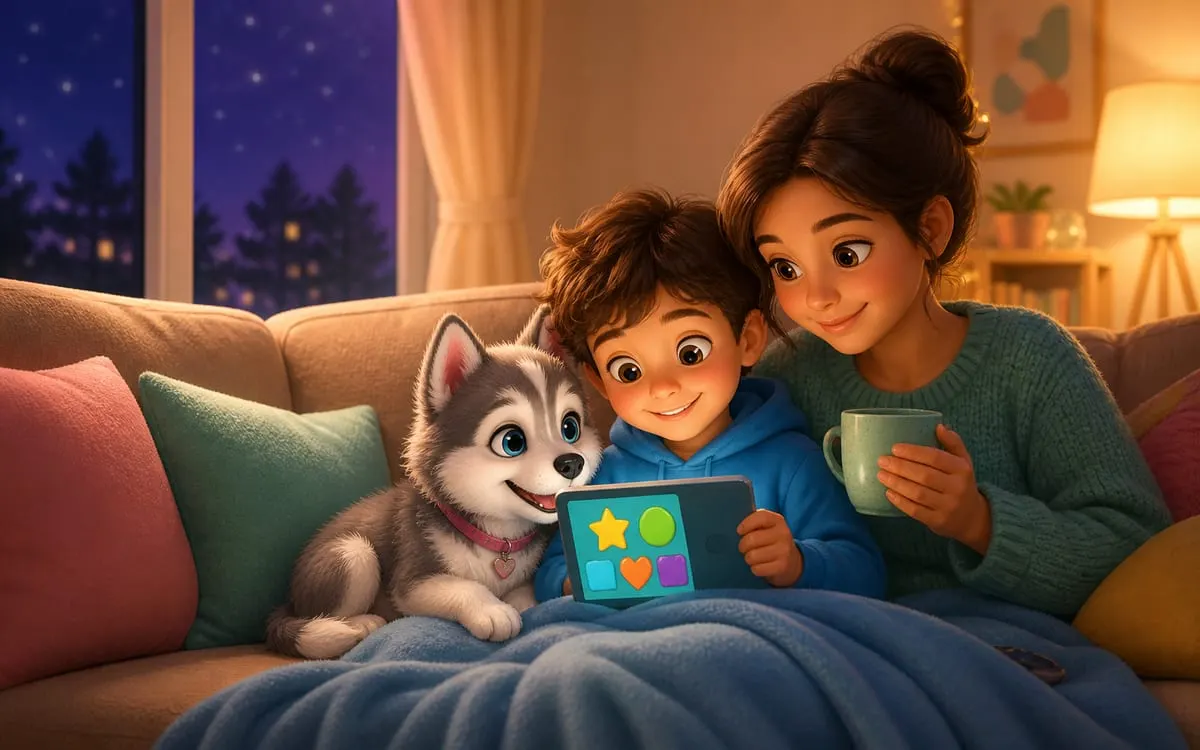
Searching «free game for kids» on Google opens a box of surprises: half the results hide ads on top of ads, in-game purchases and content nobody reviewed. The filter below is what a family can use to separate the wheat from the chaff.
The good game checklist
- Runs in the browser, no install: less risk, less weight on the device, and the child is not locked to an app store.
- No in-game purchases: if the game is for kids, money cannot be a mechanic.
- No sign-up: a child should not hand over an email to play.
- Simple controls: one or two taps. If it needs a manual, it is not for that age.
- Ends kindly: a good kids game lets the child leave without the «come back in 4 hours or lose everything» blackmail.
The 5 red flags
- Video ads that open by themselves mid-game.
- «Shop» buttons shining brighter than the play button.
- Open chat with strangers.
- Requests for photo, full name or location.
- That pressure timer: «offer ends in 10 minutes!».
An example done right
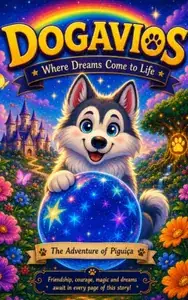
The Pigúiça game, from the world of the Dogavios book, was built with this exact playbook: it runs in the browser, has no ads, no purchases, no sign-up, and the controls are jump and slide. There are 7 characters to unlock by playing (never by paying), bosses, an Adventure mode with 48 stages and a world ranking, in 18 languages. And when the energy winds down, the natural next step is the story that started it all, perfect to close the day. 🐾