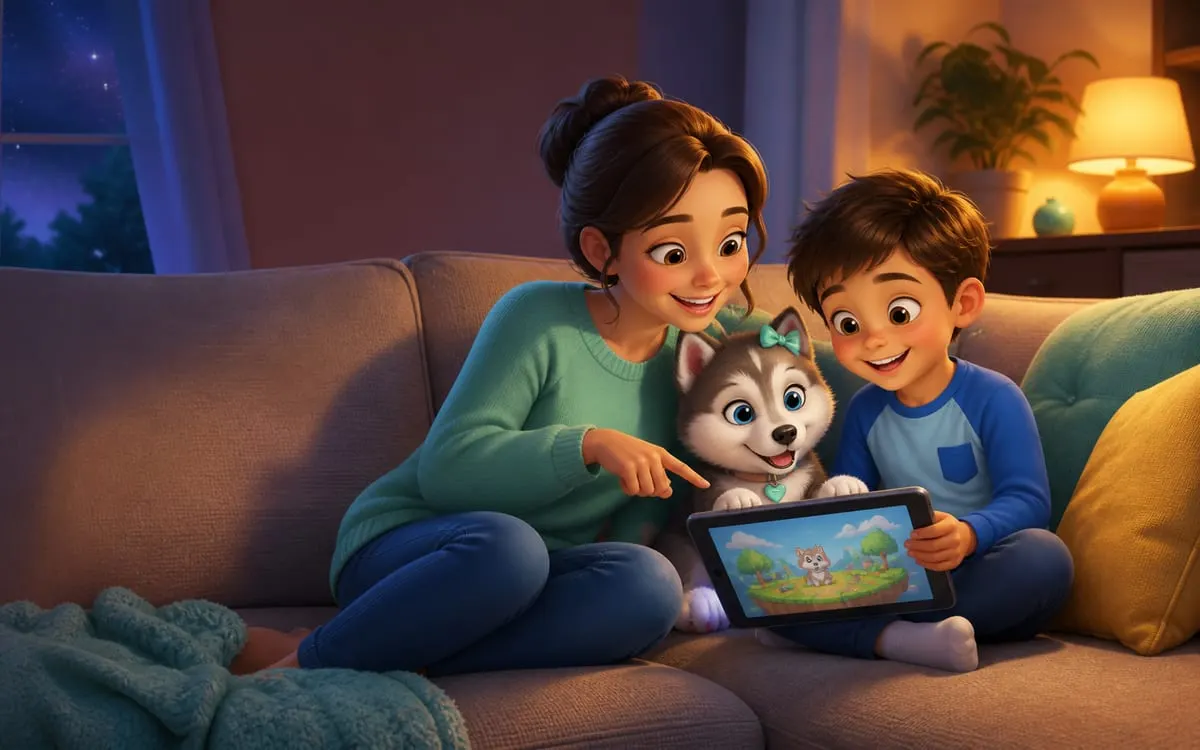
After the game, discover the story together.
Pigúiça also has an illustrated adventure to read together. Explore real pages, read the beginning free and check the complete edition if you would like to continue.
The right question is not whether a game is made for children, but what it does while a child plays. Plenty of apps marketed as kids' games show adult advertising, open a chat channel with strangers or push purchases every second level. The good news is that ten minutes of playing it yourself, before handing over the device, solves nearly everything. Here is what to look at.
The ten-minute test
- Play as if you were the child: open the game, tap everything, fail on purpose, try to quit a level. You will immediately see whether a full-screen ad appears, whether the close button is tiny and whether the forced video runs thirty seconds.
- Count the ads: if advertising appears after every round, a child will eventually tap one by accident. Check the content too: a kids' game advertising gambling or violent titles is a clear sign of an unfiltered ad network.
- Hunt for the buy button: check whether there is a shop, whether it asks for a password and whether coins convert to real money. A game where coins are only earned by playing is very different from one where coins are bought.
- Try aeroplane mode: switch off the internet and open the game. If it keeps working, it probably does not depend on a server or on ads, usually a good sign.
Chat, contact and data
- Can players talk to each other? If so, check whether it is free typing or preset phrases only. Open chat with strangers in a children's game is the single most sensitive point, and worth disabling whenever the game allows it.
- Does it demand an account? A game requiring full name, email, date of birth or a photo before it starts is collecting far more than a platform level needs.
- What permissions does it ask for? A running and jumping game does not need contacts, microphone, camera or location. Deny them and see if it still works. If it does not, the game is the problem, not the permission.
- Are there links out? Social media and share buttons pull a child out of the game and into a place with no controls at all.
Agreements worth more than any filter
- New games launch together: the first round is always with an adult beside them. That beats any age rating.
- The tell-me rule: agree that if anything strange or frightening appears, or someone asks for information, your child calls you and nobody gets told off. A child who fears a telling-off hides the problem.
- Device in a shared room: the living room instead of a closed bedroom removes a good share of the risk without any control app.
- Recheck after updates: a clean game can gain ads and a shop in a new version. Repeat the ten-minute test now and then.
That is exactly the standard we aimed for with Pigúiça's game, from the blue-eyed husky of Dogavios: it opens in the browser, with no install, no sign-up, no chat and no aggressive ads, just running, jumping and collecting stars in the Magical Garden.
After the game, discover the story together.
Pigúiça also has an illustrated adventure to read together. Explore real pages, read the beginning free and check the complete edition if you would like to continue.